- ScriptableToolsEditorMode
- ScriptableToolsFramework
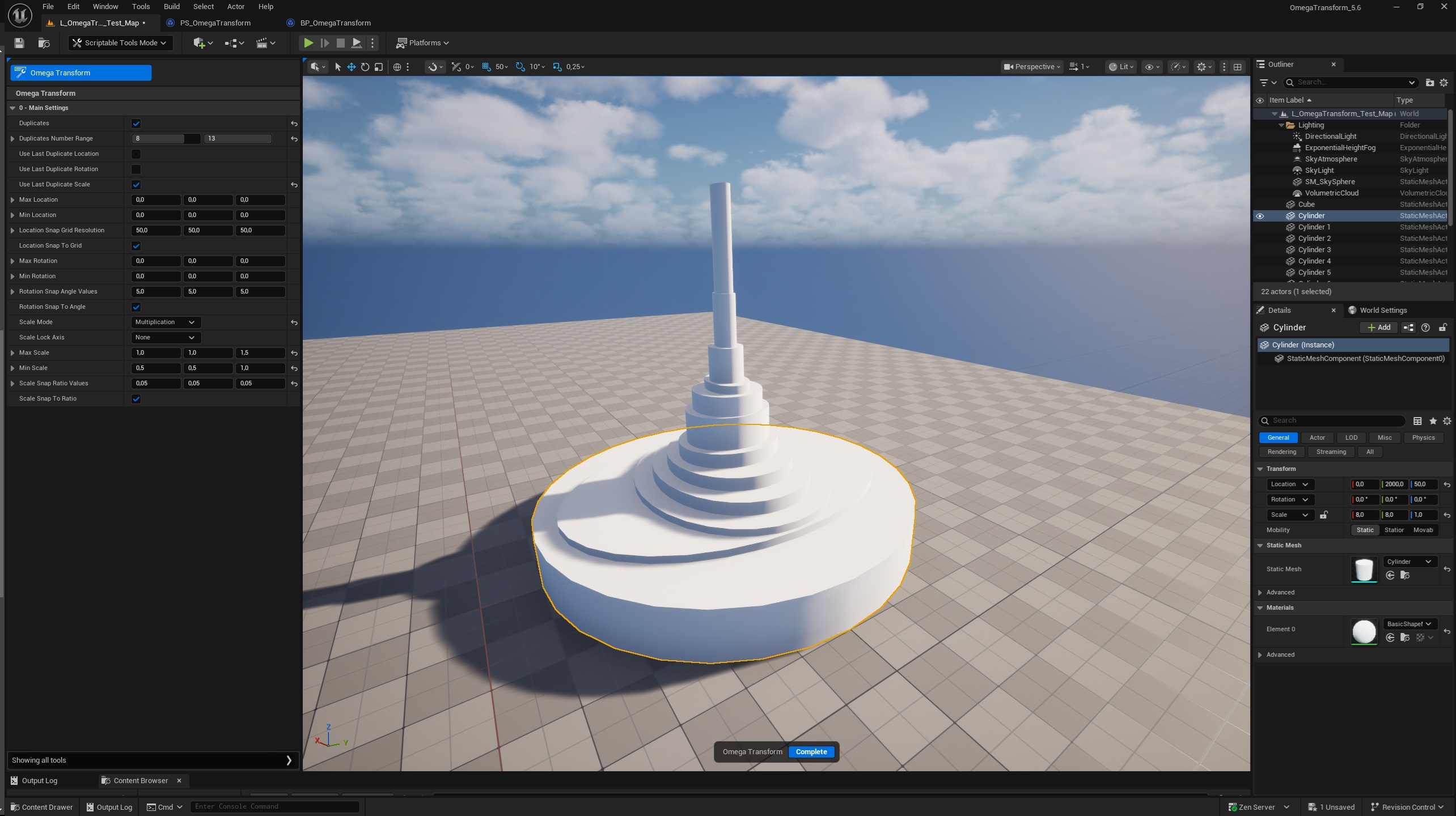
1: Select actors in the Editor or in the Outliner.
2: Switch the "Selection Mode" of the Editor to "Scriptable Tools Mode".
3: Click on the Omega Transform button to start the tool.
4: Set the parameters according to the transforms you would like to see applied on your assets or their future "Duplicates".
5: Left Click on the assets to apply the transforms on them or their "Duplicates".
6: Hit the Escape button of your keyboard to cancel the last operation, or hit it twice to cancel them all.
7: Click on Complete to get out of the tool.
8: Make a new selection in the Editor and start again.